
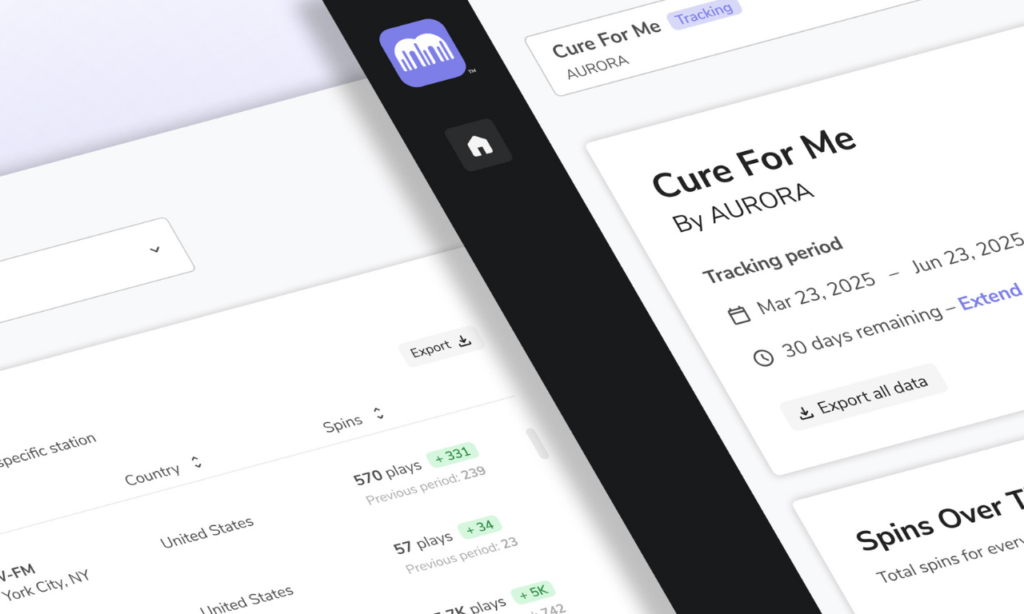
Real-time radio tracking across North America
MTR tracks radio airplay across thousands of stations. View reporting and MTR Insights in the dashboard to optimize your music promotion strategies based on data. Use the leading radio distribution service Caster – then conveniently export songs to Play MPE’s integrated radio tracker, MTR. Get 10% off radio tracking plans when you use Caster for radio promotion!
Track radio with MTR
MTR’s radio airplay monitoring tracks thousands of stations across North America. Leverage radio spins and MTR Insights in your music promotions, know where to book tour dates, and target an engaged fanbase.

Real-time Radio Reporting
Tracking radio airplay with MTR is easy. Label promo teams, independent artists and promoters of all levels can easily access and export data from MTR’s intuitive dashboard. MTR’s radio tracker covers traditional terrestrial stations, digital and streaming radio broadcasts which can provide data for market research, rollout strategies and forecasting.

Affordable Tracking Plans
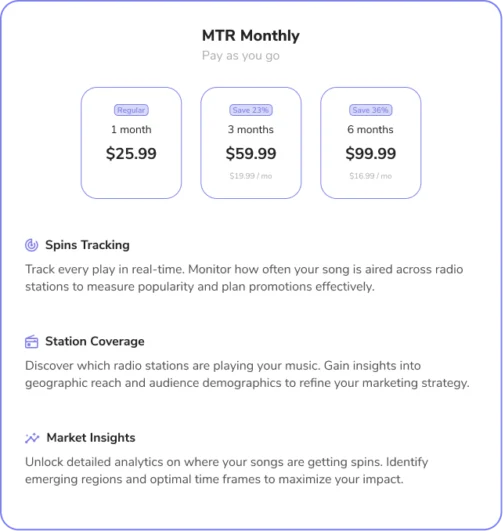
Track radio for 1, 3 or 6 months per song or request a custom volume tracking plan. MTR radio airplay monitoring tracks a wide network of radio stations across North America and provides radio tracking plans to meet your needs. MTR is the affordable and accessible solution to collect and generate radio stats for artists, promoters, record labels, and broadcasters alike.

Radio Tracking Data & MTR Insights
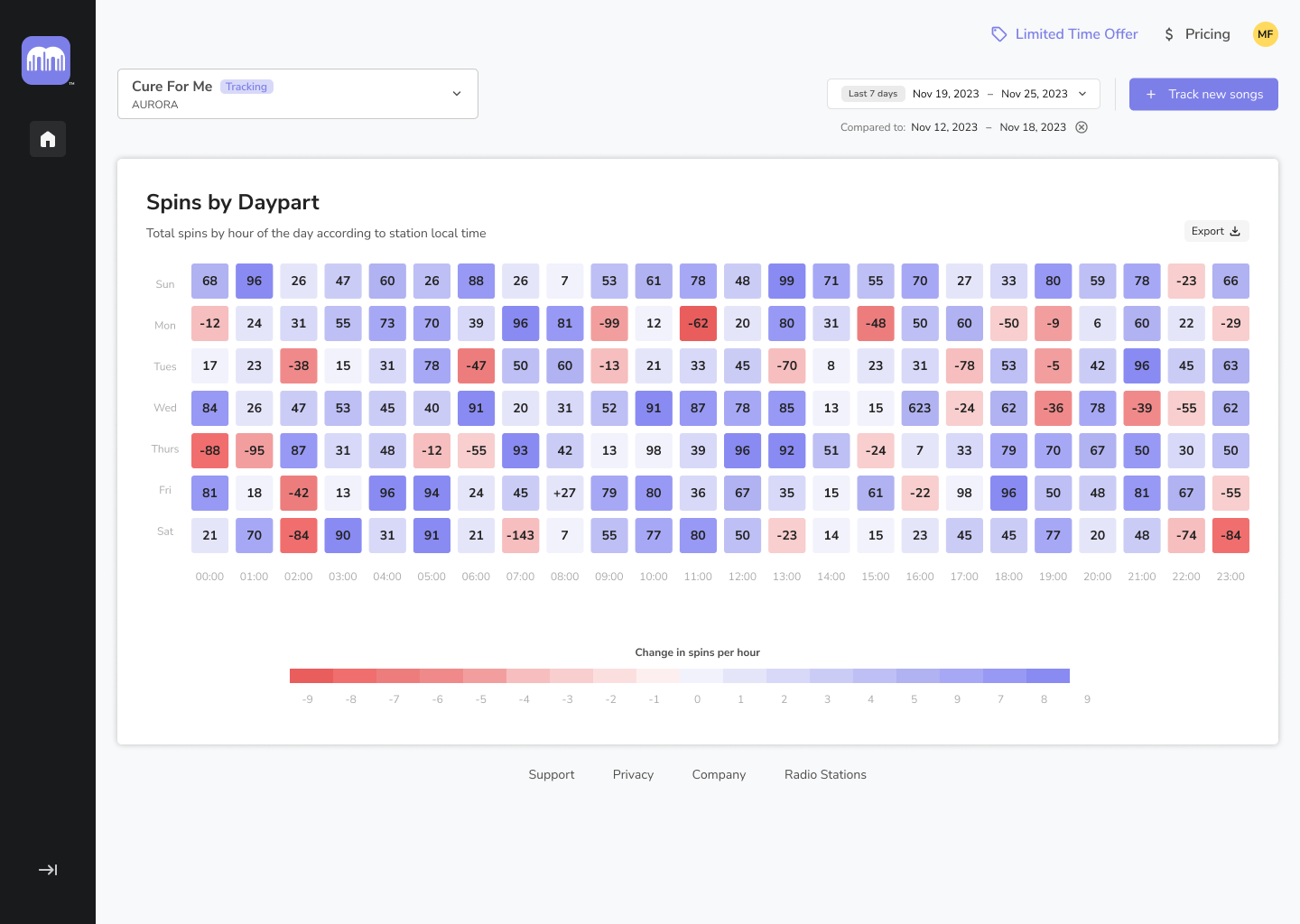
View a top level overview of radio spins, or filter by selected time period. View spins by radio stations, cities, and/or day-parts. MTR’s analysis of market data and stats helps you see where your spins fits into the mix. MTR Insights share key music genres stations spinning your song typically play, peak broadcast hours and alerts when a song may have be added into rotation.
How to track radio with MTR
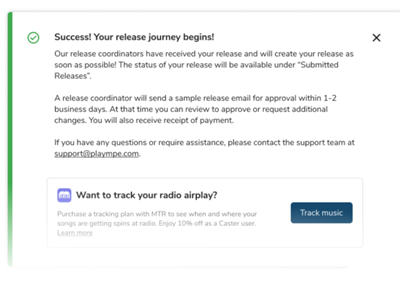
Step 1a: Export songs from Caster
Sign up for Caster for radio distribution to verified contacts. A MTR account will automatically be created. After submitting your music promotion with Caster, simply export the release to MTR and select songs for radio airplay monitoring.
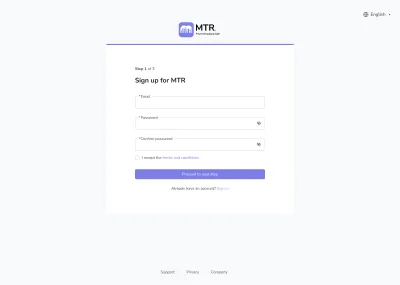
Step 1b: Sign up for MTR
If you already distributed a radio promotion yourself or with another service, but still want to track radio airplay with MTR – good news! You can use MTR’s radio tracker as a standalone airplay monitoring tool. Just note that signing up for MTR first will not create a Caster account for you. If you do decide to switch to Caster for future music promotion, you will still need to sign up for an account.
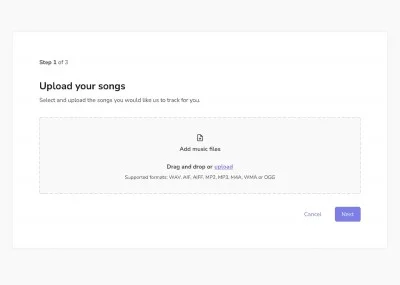
Step 2: Select songs
If you exported a release from Caster, select only the songs you want to track by clicking each box. If you are only using MTR, you can upload a single or multiple songs directly after signing in. Then simply input song information and choose a tracking plan. Want radio airplay tracking at an enterprise level? Please contact a sales representative for a customized annual plan.
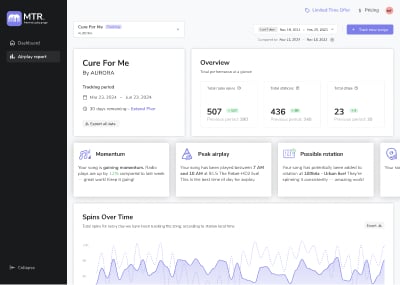
Step 3: Track radio spins
Once airplay is detected, your spins will appear in the dashboard. View an all-time overview or spins by radio stations, cities, and day-parts. Select a radio tracking period and compare week to week. Choose to export top level radio reports or customize with filters.
Know when your song is getting radio airplay
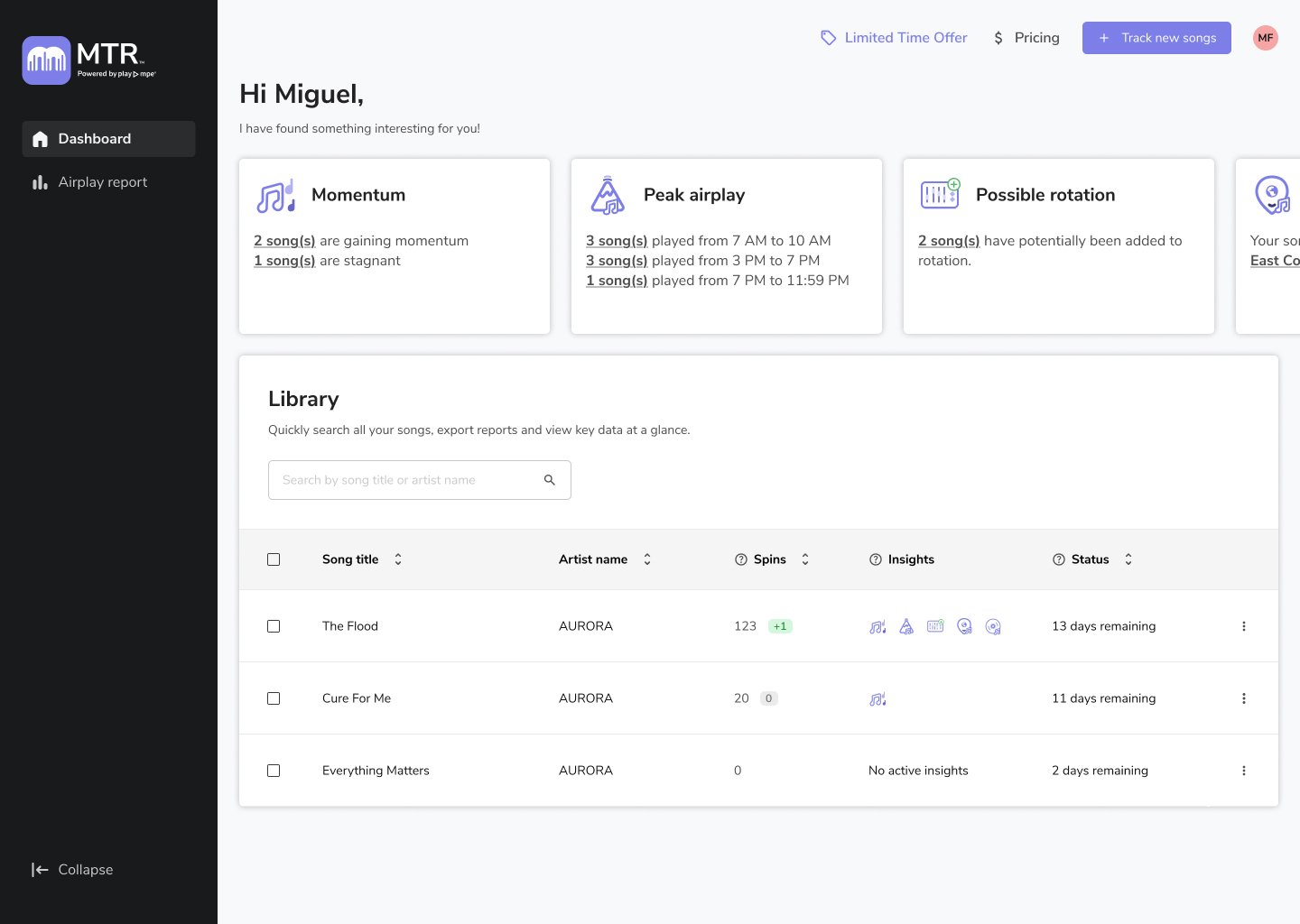
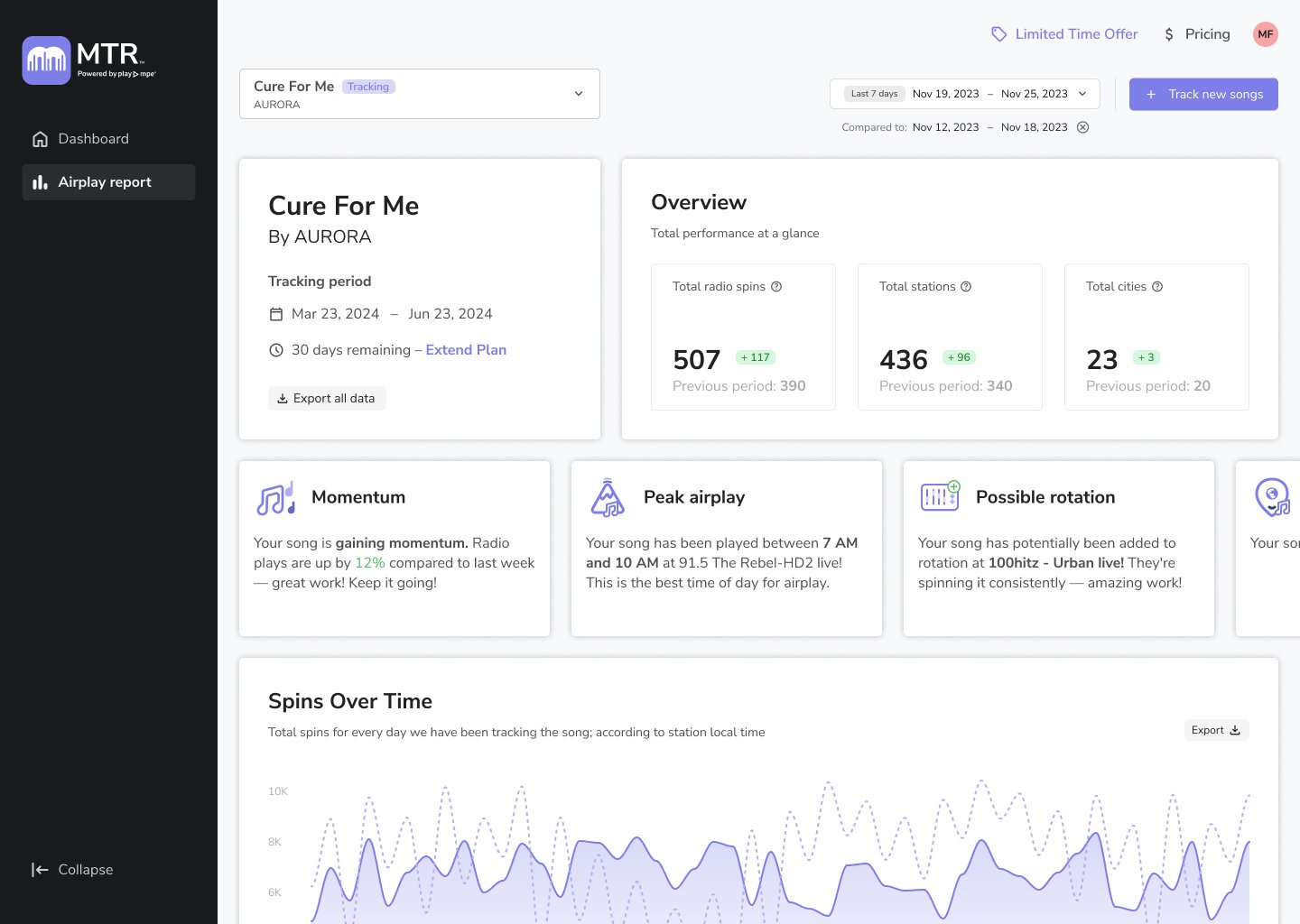
MTR tracks thousands of radio stations across North America
Do you work for a radio station you want MTR to track? Submit a request to join the community of radio stations monitored by MTR’s radio tracker.






MTR Radio Airplay Tracking
Prices for radio monitoring are per song. Select a 1, 3, or 6 month tracking plan and extend any time.
*Caster users get 10% off radio tracking.
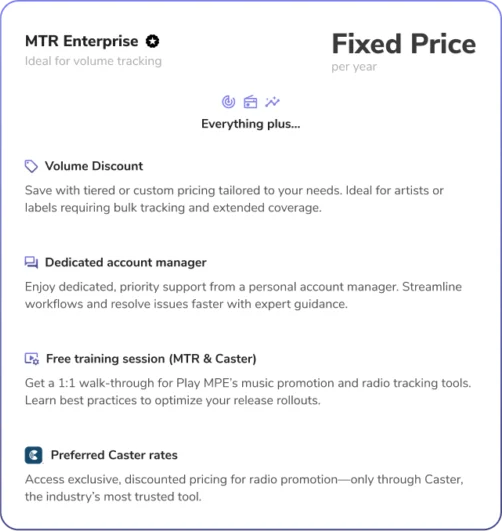
Need to track multiple releases at scale? MTR Enterprise for volume radio tracking may be right for you! Contact a sales representative to request a fixed yearly rate.

Since I discovered MTR, I’ve been able to get an accurate picture of the artists’ songs represented on the radio. You can see the exact number of airplays with the songs of the artists represented on the stations where they are broadcast. The exchanges with the staff are also very pleasant, and the answers come quickly. MTR is a very useful tool for radio promoters, and essential for getting the facts straight with artists.

I just got my first reporting from MTR, and reached out to thank a station in Connecticut for playing my song! Affordable radio tracking is super helpful in identifying with whom, and where your song is resonating. As creators, we desire our music to be heard to impact people in a positive way. What better way than getting music out to those whose passion it is to play music to music lovers, and then to be informed about when and where that is happening, so you can connect and share your gratitude. This is awesome!